Notifications
Triggered alerts, calendar reminders and account messages arrive in the notifications panel, and by email and push if you turn them on.
Last updated on Nov 16, 20261 min read
The notifications panel
The bell in the top bar shows your unread count. Click it to open the panel.
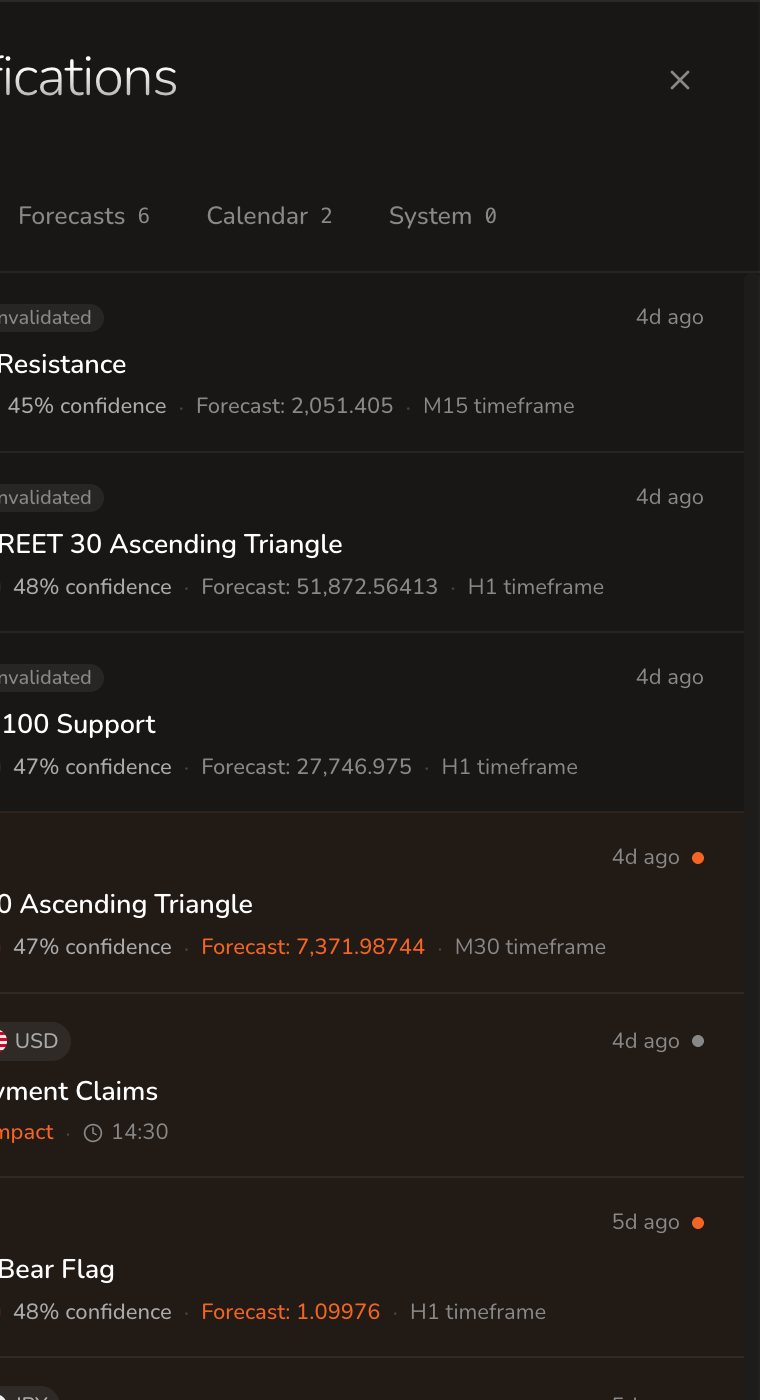
- All, Forecasts, Calendar and System tabs filter the list.
- Unread notifications are marked with an orange dot.
- Each forecast notification shows its status, instrument and pattern, the direction, the confidence, the forecast target and the timeframe.
- Calendar notifications show the currency, the event, its impact and its scheduled time.
- Click a notification to open what it refers to.
Email and push
Choose how notifications reach you in Settings → Preferences → Notifications.
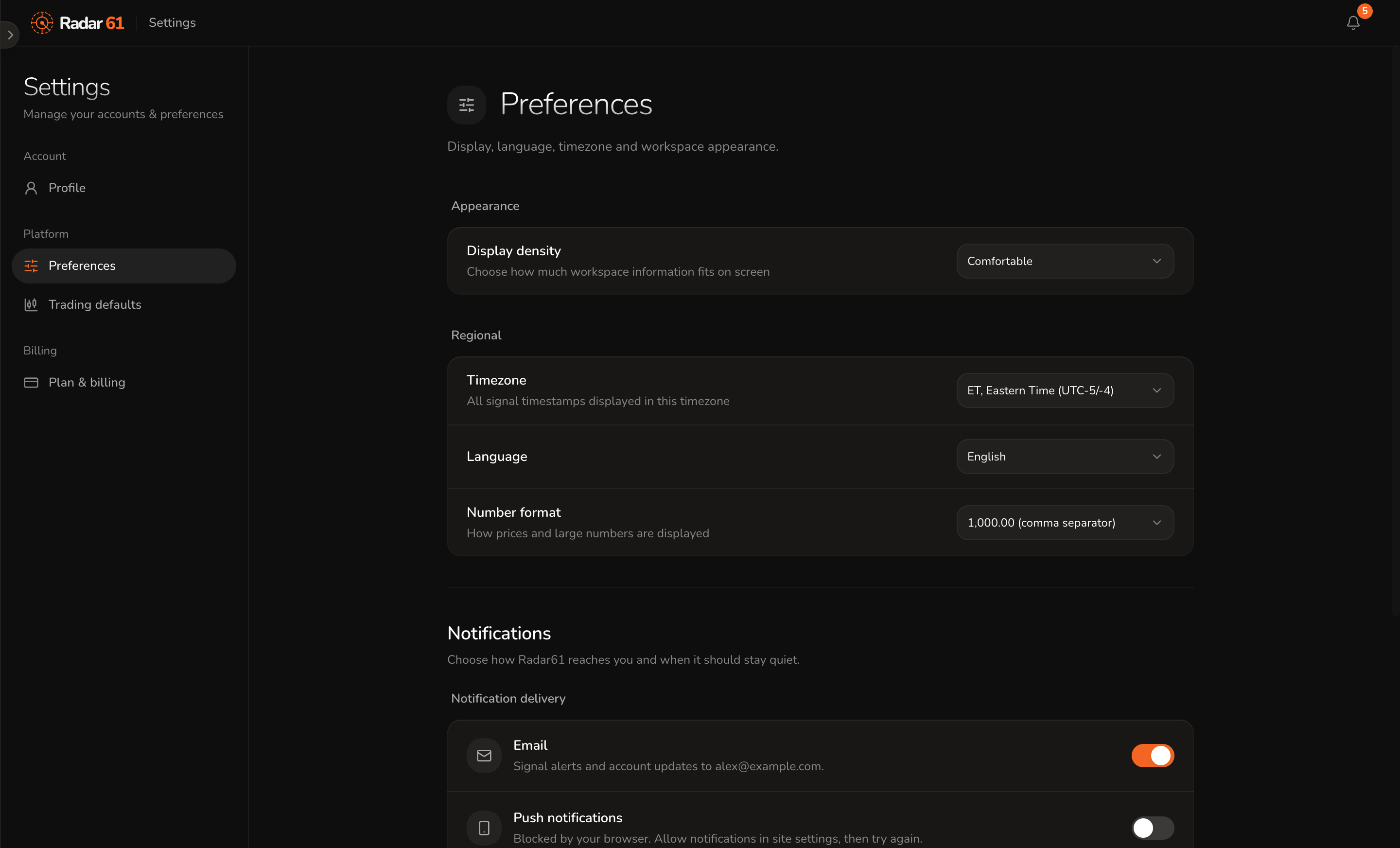
- Email sends alerts and account updates to the address on your account.
- Push notifications shows alerts on your device even when Radar 61 isn't open. Your browser asks for permission the first time. If it says notifications are blocked, allow them in your browser's site settings and try again.
Push notifications are available from Core upward. See Plans.