Settings
Your profile, how Radar 61 looks and behaves, the defaults new feeds and alerts start with, and your plan.
Last updated on Nov 16, 20262 min read
Open Settings from the sidebar, the status bar, or the command bar.
Profile
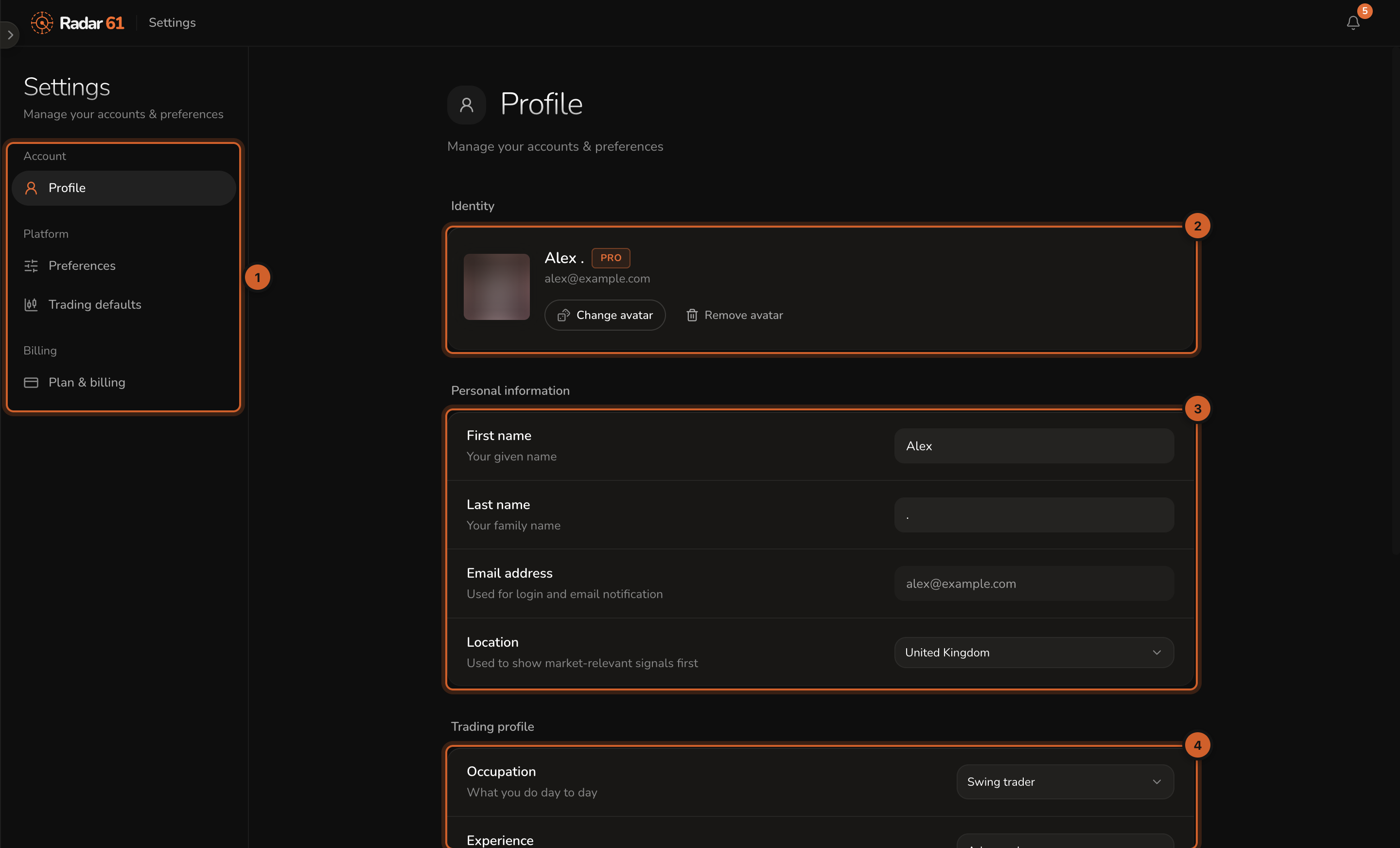
- The settings sections.
- Identity: your name, plan and avatar. Change avatar or Remove avatar.
- Personal information: first and last name, email address, and Location, used to show market-relevant signals first.
- Trading profile: your occupation and trading experience.
Preferences
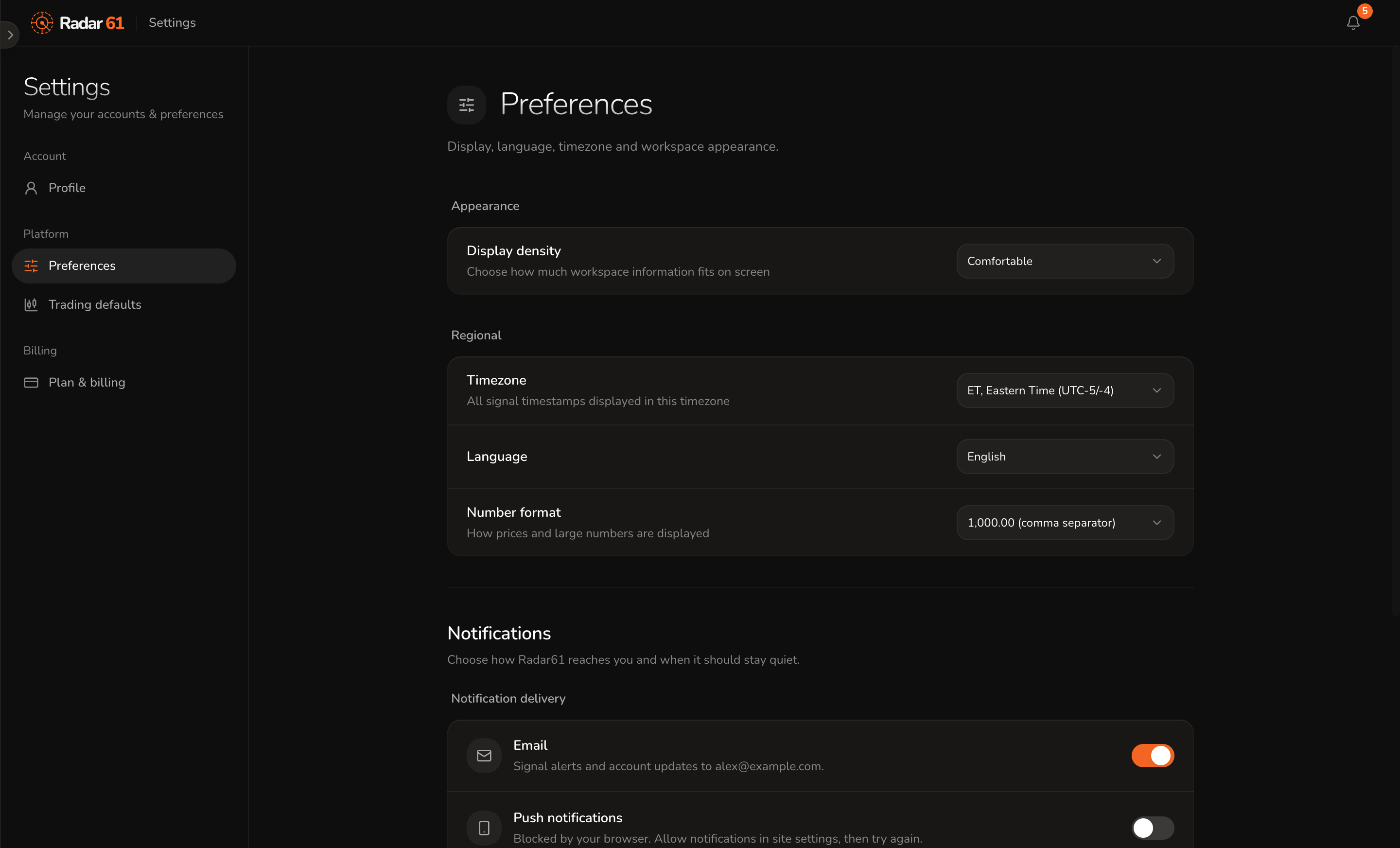
- Appearance: Display density sets how much fits on screen.
- Regional: your Timezone (every signal time is shown in it), Language, and Number format.
- Notifications: whether alerts reach you by Email and Push notifications. See Notifications.
Trading defaults
The starting point for new workspaces, forecast feeds and alerts.
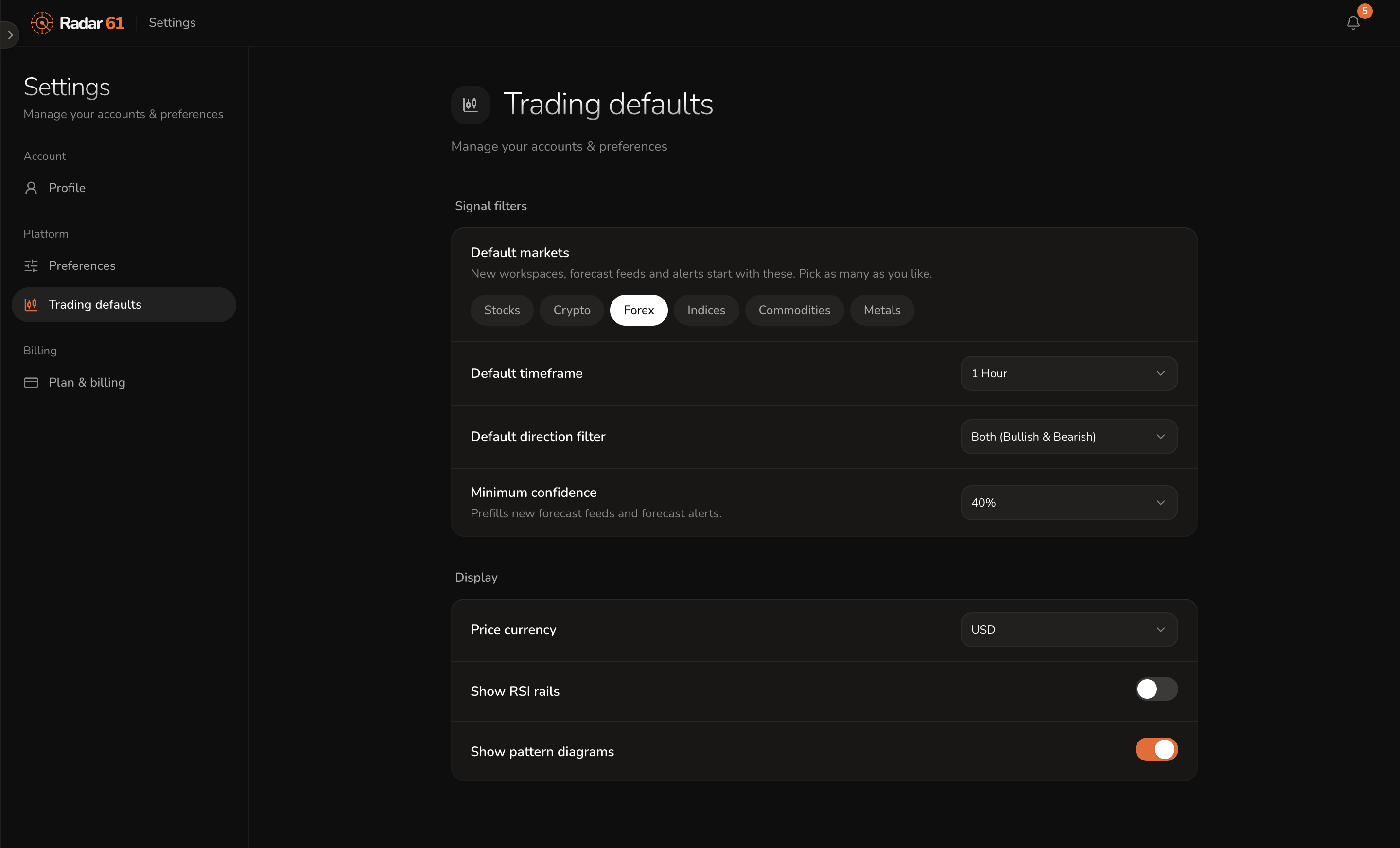
- Default markets: the markets new workspaces, feeds and alerts start with. Pick as many as you like.
- Default timeframe.
- Default direction filter: both, bullish only, or bearish only.
- Minimum confidence: the floor new forecast feeds and forecast alerts start with.
- Price currency: the currency prices are shown in.
- Show RSI rails and Show pattern diagrams.
These are defaults. You can still change any widget or alert on its own.
Plan & billing
Your current plan and what it includes, your payment method, your invoices and your subscription. See Plans.