
Sharing
Share a workspace layout with a link, or share a single forecast as an image and a link.
Last updated on Nov 16, 20261 min read
Sharing a workspace
Click Share workspace in the top bar, or choose Share from the workspace actions menu.
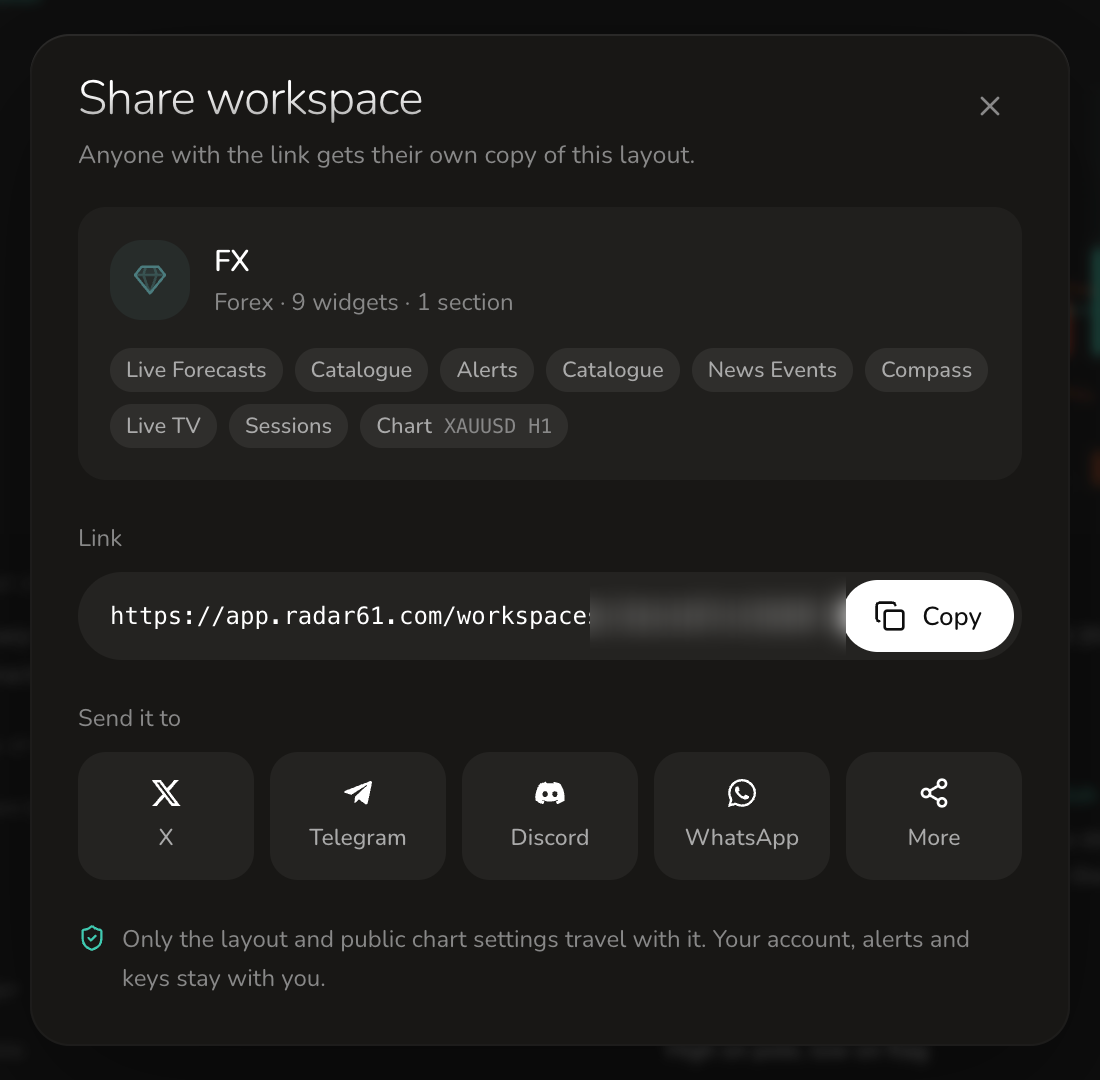
- The card shows what you're sharing: the workspace, its markets, sections and widgets.
- Copy copies the link. Anyone with the link gets their own copy of the layout, so changes they make never affect yours.
- Send it to X, Telegram, Discord, WhatsApp, or your device's other share options.
Only the layout and public chart settings travel with the link. Your account, alerts, notes and keys stay with you.
Workspaces other people have shared with you are under Shared with me in the command bar.
Sharing a forecast
Click the share icon on any forecast in Live Forecasts or Forecast Analysis.
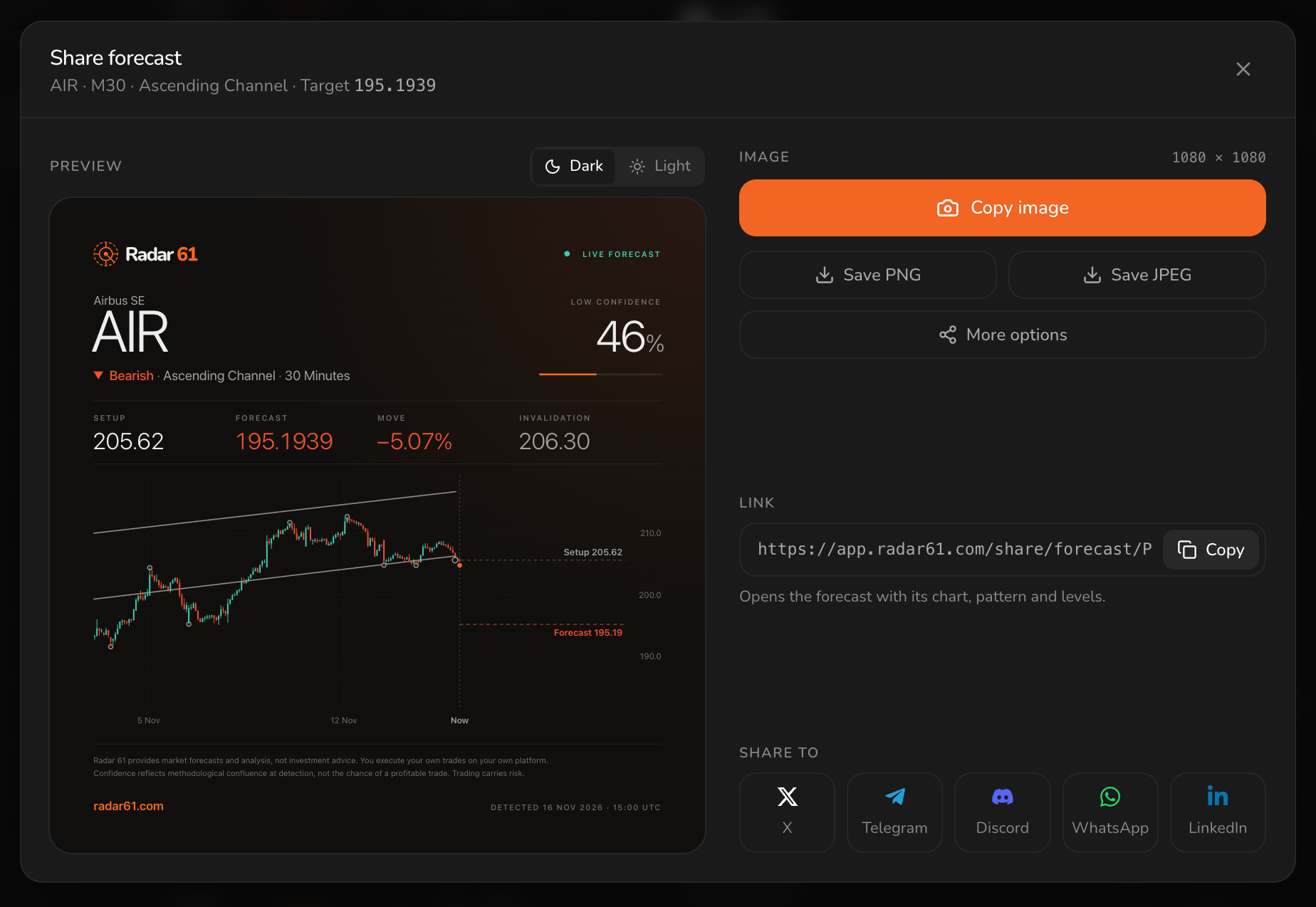
- Choose a Dark or Light card.
- Copy image, Save PNG or Save JPEG, at 1080 × 1080.
- Copy the link: it opens the forecast with its chart, pattern and levels.
- Send it to X, Telegram, Discord, WhatsApp or LinkedIn.
The image carries the instrument, direction, pattern, timeframe, confidence, setup, forecast, move and invalidation, with the chart and a disclaimer.